AI Usage Tracker

Track your AI providers
in one glance

Three ways to monitor your AI API usage, costs, and quotas across 16 providers: a compact desktop GUI with system tray integration, a full web dashboard with charts and analytics, and a cross-platform CLI. Auto-discovers your keys, stays out of your way.
Windows | Linux .NET 10 MIT License
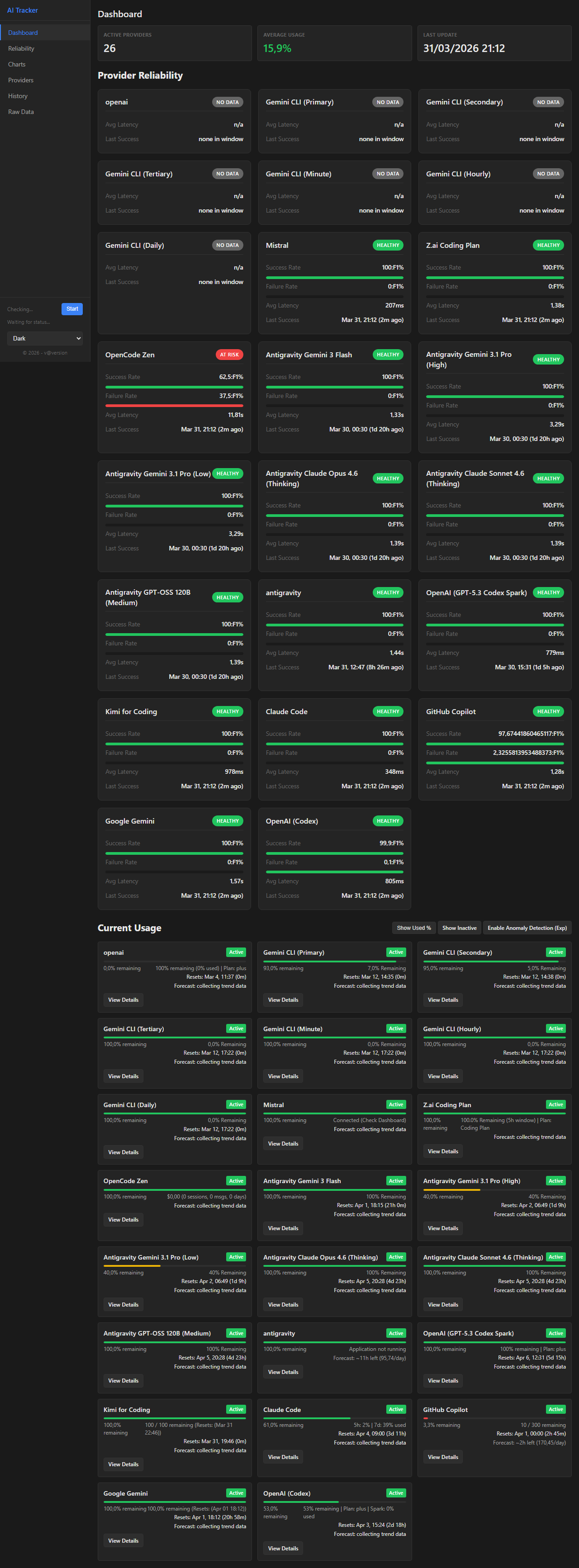
AI Usage Tracker Dashboard

Supported Providers

16 providers in a single view

AntigravityTested
Claude CodeTested
GitHub CopilotTested
Kimi (Moonshot)Tested
MiniMax (Intl)Tested
OpenAI (Codex)Tested
SyntheticTested
Z.AITested
DeepSeekBeta
GeminiBeta
GroqBeta
MiniMax (China)Beta
MistralBeta
OpenCode GoBeta
OpenCode ZenBeta
XiaomiBeta
OpenRouterPlanned

Features

Everything you need to stay on top of your AI usage

Desktop GUI

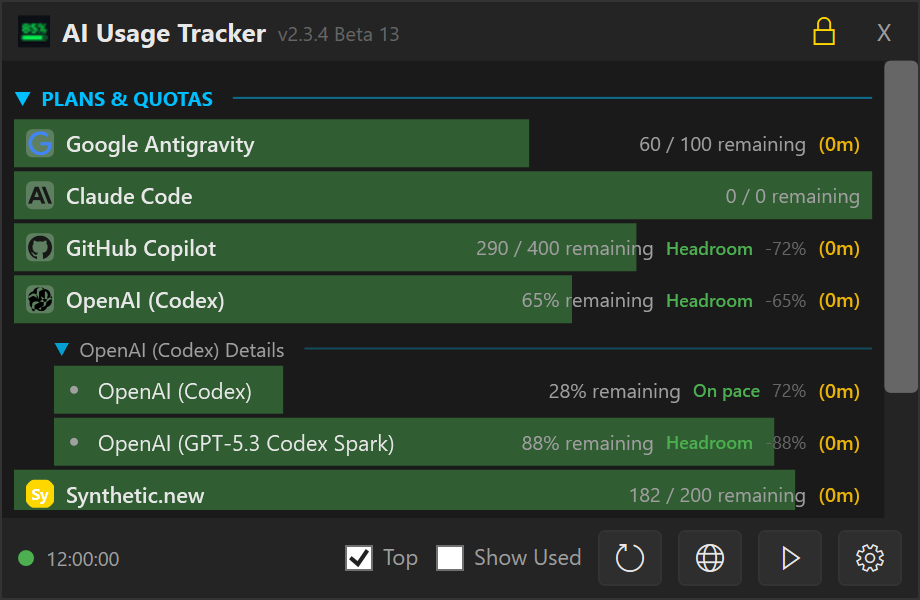
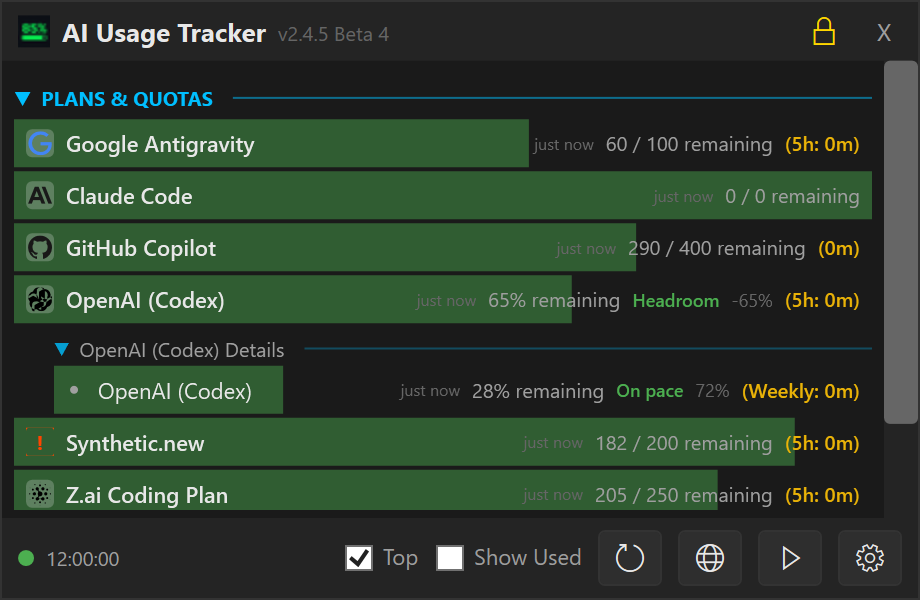
  • Live progress bars — remaining credits, quotas, and spending at a glance
  • System tray — per-provider icons with live bars, auto-hide on focus loss
  • Pace projection — predicts if you'll hit your limit before reset
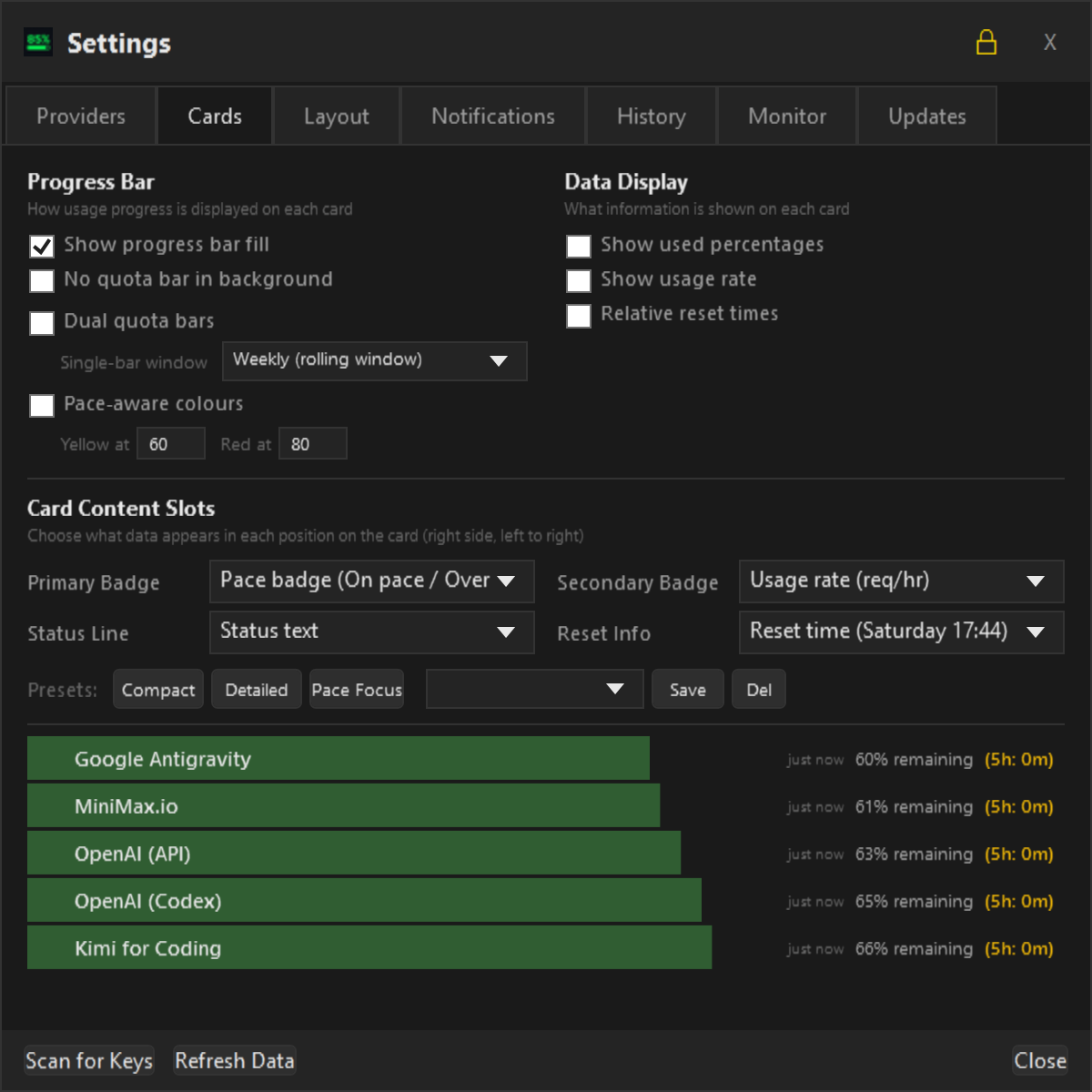
  • Card presets — default, compact, detailed, and dual-bar modes
  • Auto-updates — beta and stable channels with one-click install

Web Dashboard

  • Full dashboard — spending summaries, burn-rate forecasts, sparklines
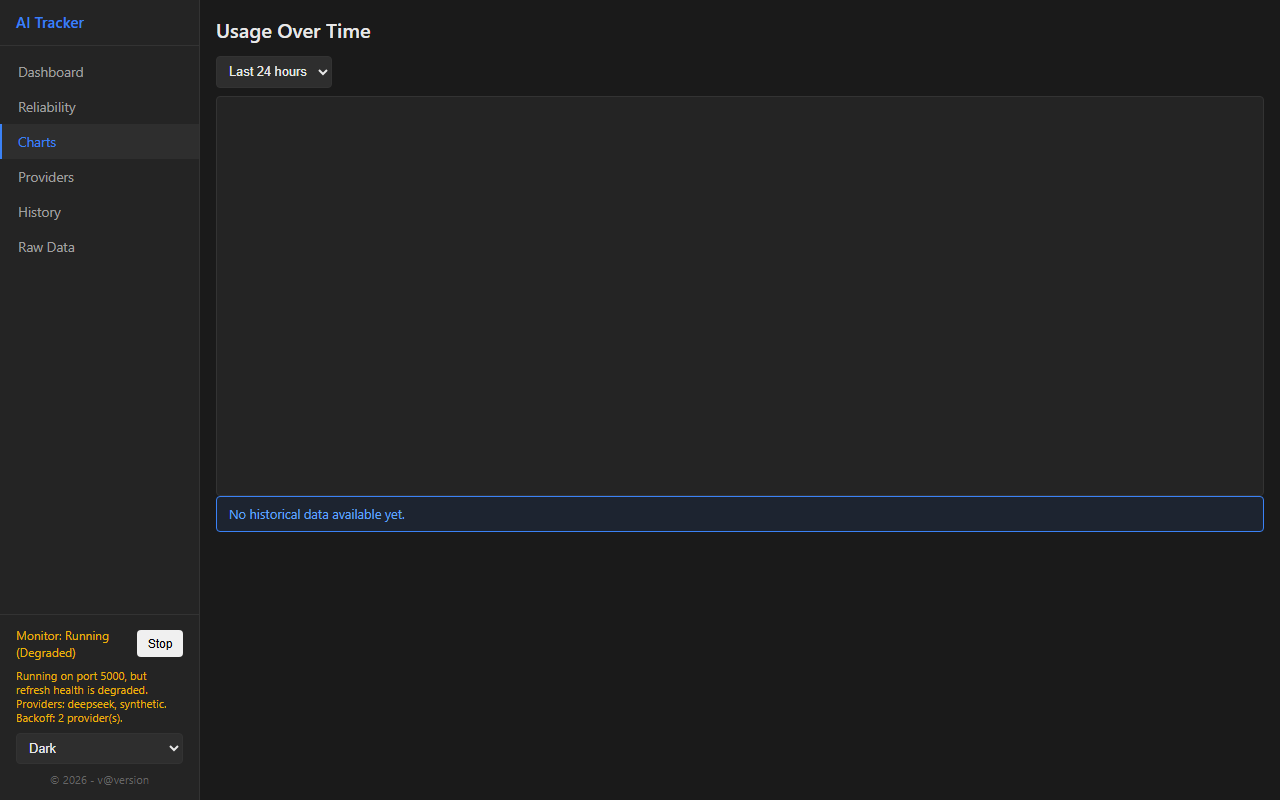
  • Interactive charts — time-series with server-side downsampling
  • Per-model analytics — breakdown tables, latency trends, raw JSON
  • Reliability monitoring — uptime, response times, error rates
  • 14 themes — Dracula, Nord, Catppuccin, Monokai, and more

CLI

  • Status & history — check usage from any terminal
  • Key management — set, remove, and scan for API keys
  • Export — CSV and JSON, up to 90 days
  • Monitor control — start, stop, restart the background service
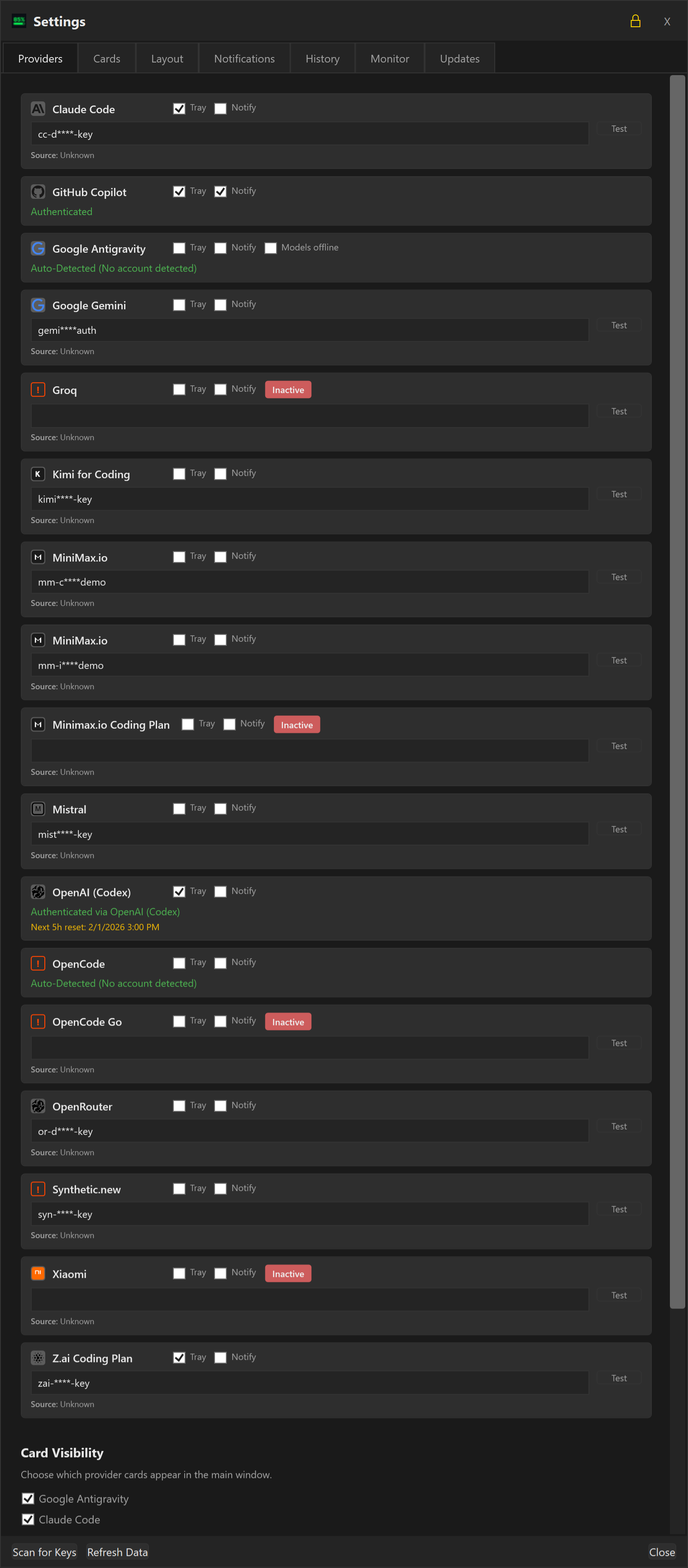
  • Auto-discovery — scans env vars and config files for existing keys

Take a Look

Click any screenshot to enlarge

Desktop Dashboard
Desktop Dashboard
Provider Settings
Provider Settings
Web Dashboard
Web Dashboard
Usage Charts
Usage Charts
Card Presets
Card Presets
Card Settings
Card Settings

Get Started

Three steps to tracking your AI usage

1

Download the latest installer from Releases

2

Run the installer — it auto-scans for your existing API keys

3

Pin the dashboard and watch your usage update in real time

Download Latest Release

Support the Project

Use these referral links when signing up — it costs you nothing and helps fund development